cursor

Filmora

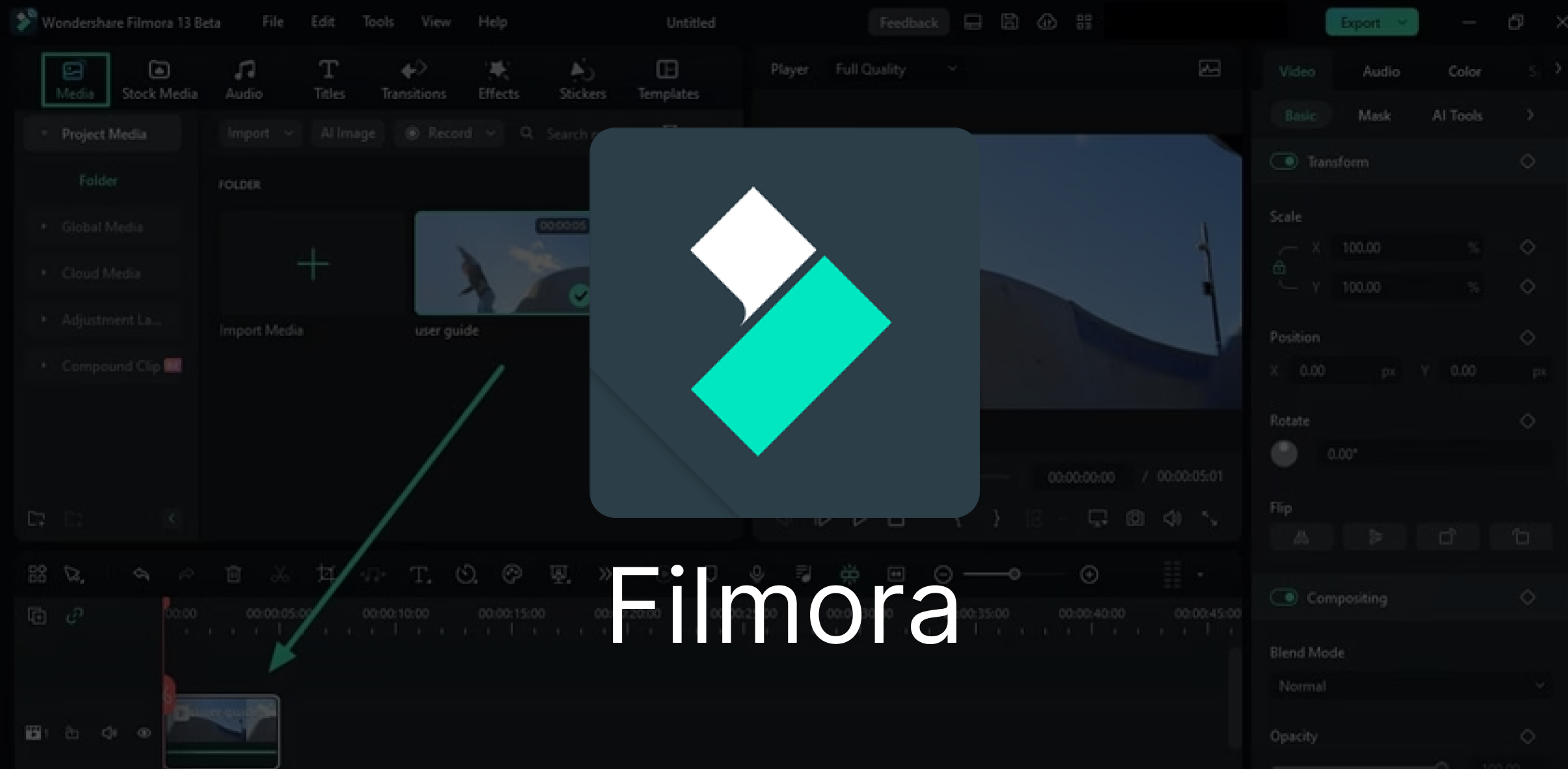
Filmora is a line of video creation and editing applications developed by Wondershare. Filmora includes products for a range of users from beginner to intermediate. Common features of Filmora include a timeline, preview window, and effects library, navigated

  • Creative features
  • File format support
  • Advanced Video Editing Features
  • Different Modes
Stylish Filters & Visual Effects

Wondershare Filmora also gives filters, animated elements, and other video effects.

04
01

CAN I USE THE BUILT-IN EFFECTS IN FILMORA9 COMMERCIALLY

effects (titles, transitions, filters) are designed in house, you are allowed to use in any commercial project. While music is out sourced from 3rd party vendor and licensed for non-commercial use ONLY.

02

HOW TO TAKE A SAMPLE IN MACOS WHEN MY FILMORA9 FREEZE?

When you face the freeze issue during editing with Filmora, please take a sample and send to us to do further troubleshooting here.After opening Activity Monitor, make sure the CPU tab is selected. Select the Filmora application from the list. To find it easily, search for it using the search field at the top right. Click the Action pop-up menu (looks like a gear) in the toolbar, then select Sample Process.

03

WHAT CAN I DO IF THE TEXT/ELEMENT I APPLIED IS NOT SHOWING UP?

The Filmora9 update has a lot of changes. There is no track specializing in applying text in Filmora9. So basically you can add text to any tracks in timeline except the audio track at the bottom of the program. But, when you add text to timeline, remember to add your text to tracks above the video track. Otherwise, the text you added will be covered by the video, see below.

04

COMMON TIPS ON OPENING PROJECTS

It is not suggested to open a project made with the old version to new version9, as they share the different software architecture and built-in effects. So you are suggested to finish the project in the older version and export it first. Then create a new project with version9.

Filters & Overlays

Apply cinematic filters, overlays, and effects to give your videos a professional look. Enhance mood, adjust tones, and add creative styles with a wide range of preset filters and customizable overlays that transform ordinary clips into visually stunning content.

Export & Sharing

Render videos in multiple formats and share directly to YouTube, Vimeo, or social platforms. Easily customize resolution, aspect ratio, and file type to suit your project needs. Filmora also offers optimized presets for devices and platforms, making exporting quick, simple, and hassle-free.

Audio Tools & Music Library

Enhance videos with sound effects, royalty-free music, and precise audio editing. Filmora’s built-in audio tools let you adjust volume, fade in/out, remove background noise, and sync audio perfectly with visuals.

Speed Control & Transitions

Adjust video speed with precision to create dramatic slow-motion or energetic fast-motion sequences. Add smooth transitions like fades, wipes, zooms, and dynamic motion effects to maintain flow and enhance storytelling.

Filmora is a video editing software

90%

Apply cinematic filters, animated elements, and overlays to enhance video creativity. Easily transform raw footage into professional-looking content with built-in effects, color presets, and stylish templates.

85%

Adjust playback speed for dramatic slow-motion or energetic fast-motion effects, while enhancing video flow with smooth, professional-grade transitions that keep viewers engaged.

85%

Easily adjust video speed to create dramatic slow-motion or exciting fast-motion effects. Combine with Filmora’s wide range of smooth transitions to ensure a natural flow between scenes, keeping your videos.

Filmora Video Editing FAQ

Find answers about editing, effects, transitions, and audio in Filmora

Yes! While Filmora is beginner-friendly, it also offers advanced tools like green screen, keyframing, audio editing, and effects, making it suitable for both casual creators and professionals.

Absolutely. Filmora allows you to edit and export videos in up to 4K resolution for high-quality output.

Yes, Filmora comes with a wide library of filters, animated elements, overlays, and transitions to enhance your videos.

Definitely! Filmora offers features like royalty-free music, text animations, and direct export to YouTube, making it ideal for content creators.

Yes, you can adjust audio levels, remove background noise, add sound effects, and sync music with your video.
Straightforward communication and predictable outcomes make CodeFire.agency unique. Their expertise in custom development has accelerated our project timelines significantly.

Marissa Lozano

CEO & Founder
Quote Icon
The great thing about the team at QuiteCoder.agency is their dedication to finding tailored solutions for each web or app development challenge through thorough analysis and planning.

Sukhvir Kaur

CEO
Quote Icon
QuiteCoder agency took the time to understand our business and goals. The result was a solution that exceeded expectations highly recommended.

Dildeep Ghallon

CEO
Quote Icon
After a year of working hand in hand with QuiteCoder.agency, their commitment makes them feel like a natural extension of our company.

Khushbu Patel

CEO
Quote Icon
We’ve been depending on QuiteCoder.agency for website development for over a year. Their consistency and support have been outstanding.

Tanuja Rana

Manager
Quote Icon
What impressed us most was the proactive approach of QuiteCoder.agency. They not only delivered on time but also suggested improvements that made our project even better.

Amandeep Kaur

CEO & Founder
Quote Icon
QuiteCoder.agency combines technical expertise with genuine customer care. Their team is always available, responsive, and committed to quality delivery.

Cristina Di Giacomo

Manager
Quote Icon
Contact

Let’s drop us a line and get the project started.

Get in touch

We’re excited to hear from you and let’s start something special together
info@quitecoder.com